





Universal Audio Cooper Time Cube Mk II Delay for free!
During the period from 11-11 up to and including 30-11-2026 when you purchase this product Universal Audio is offering a free Full version of Cooper Time Cube Mk II Delay worth EUR 99,00, on top.
Compact USB DAW Controller
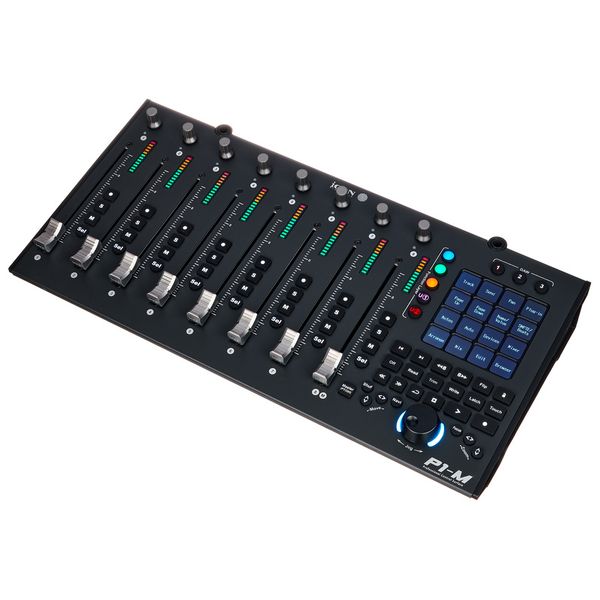
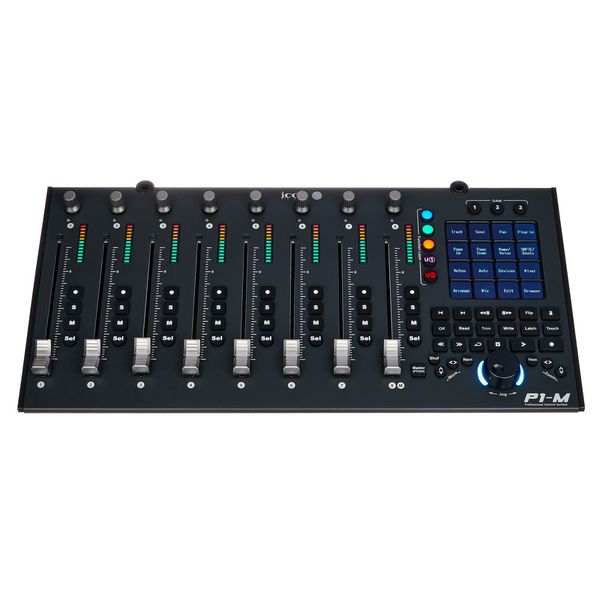
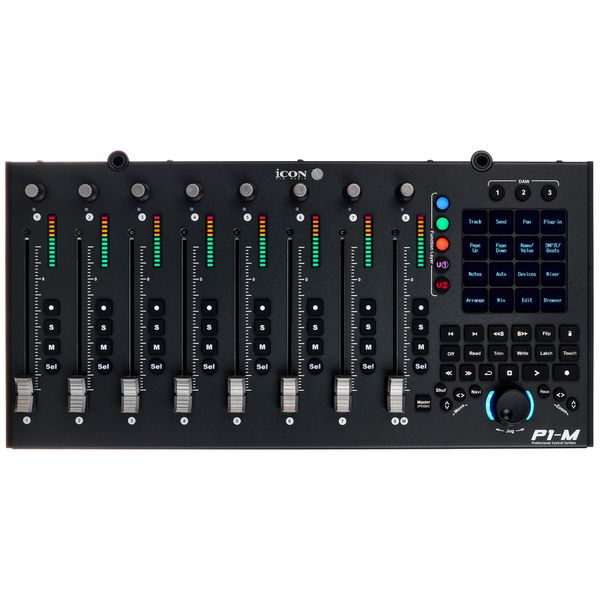
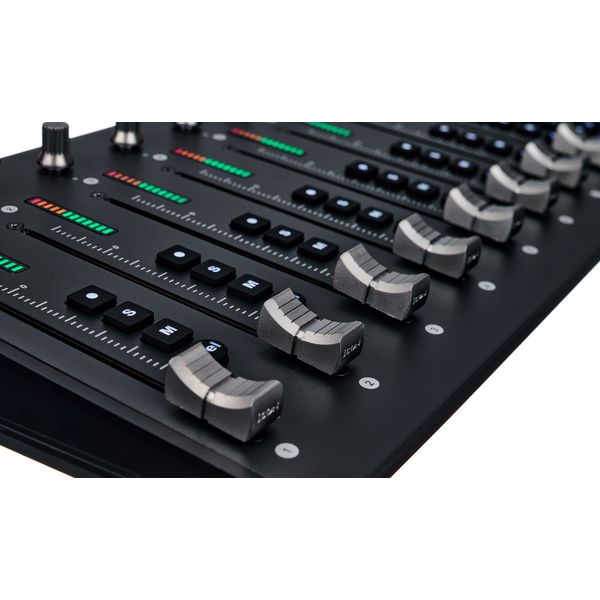
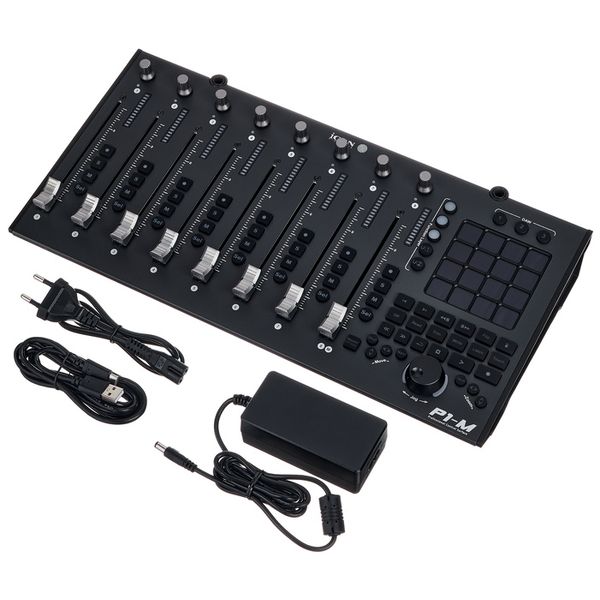
- 8 Touch-sensitive motorised faders with 12-bit resolution
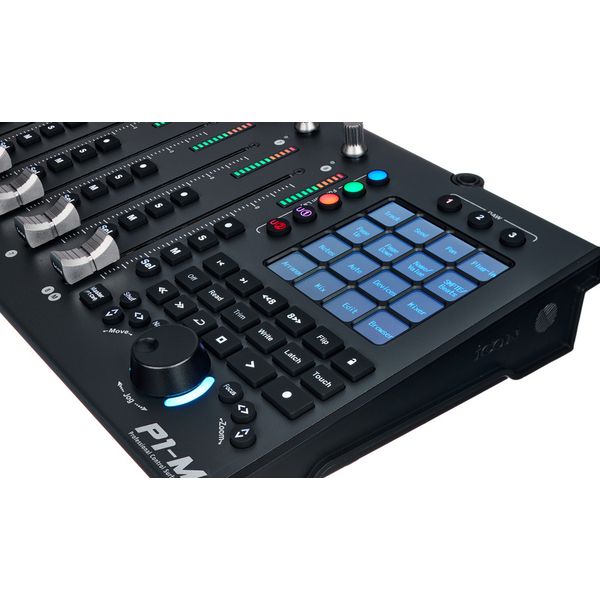
- 4" OLED touchscreen with 16 programmable fields and 5 layers for a total of 80 controllable functions
- Up to 3 DAWs can be controlled simultaneously
- Level display, encoder and illuminated buttons for recording, solo, mute and channel selection for each channel
- Jog wheel and illuminated buttons for DAW control
- Class Compliant from MacOS 10,15 and Windows 10
- Supports Ability, Audition, Ableton Live, Bitwig, Cakewalk, Cubase/Nuendo, Digital Performer, FL Studio, Mixbus 32C, Pro Tools, Logic Pro, Luna, Reaper, Reason, Samplitude, Studio One and Tracktion Waveform
- Supports Mackie Control Universal and HUI protocols
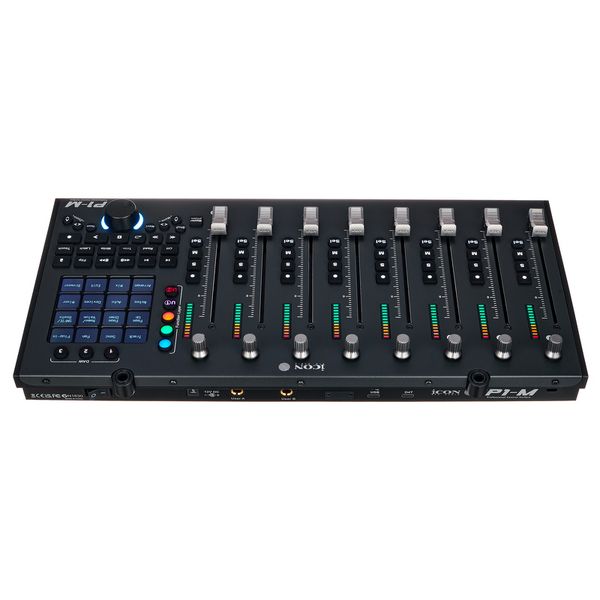
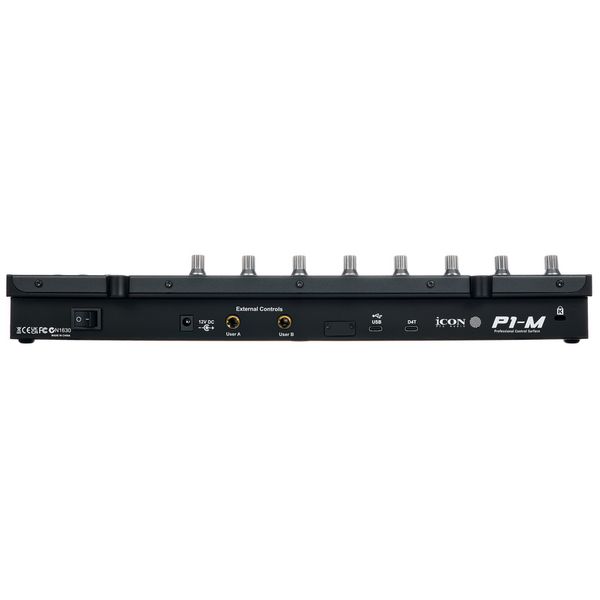
- USB-C Port
- Footswitch inputs: 2 x 6.3 mm jacks
- Expandable to up to 8 channels with separately available V1-X expanders (Art. 579524
- Expandable with separately available display D4-T (Art.579525)
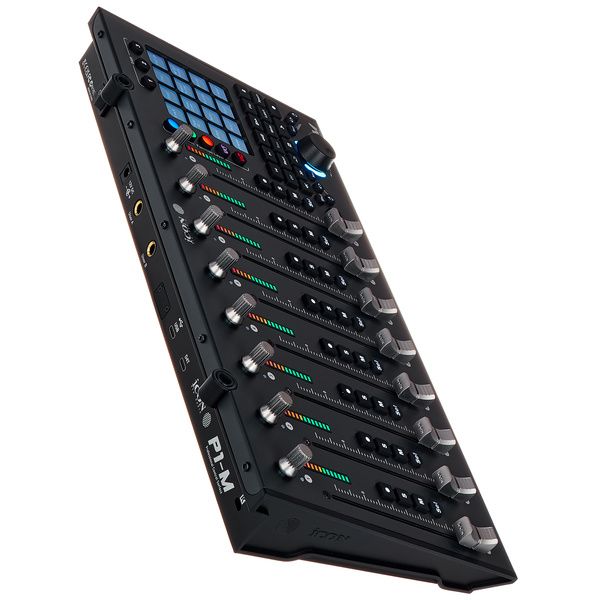
- Dimensions (W x D x H): 405 x 204 x 61 mm
- Weight: 1.92 kg
- Includes USB-C cable and external power supply unit (12 V DC / 2.5 A)
-
Available since December 2023
-
Item number 579523
-
Sales Unit 1 piece(s)
-
USB Yes
-
Bluetooth No
-
5-pole DIN MIDI No
-
Ethernet No
-
Fader 8
-
Rotary Encoders 8
-
Audio I/O No
-
Transport Function Yes
-
Footswitch connection Yes
-
Foot Controller Connection Yes
-
Bus-Powered No
-
Jog Yes
-
Joystick No
-
Additional Features n/a

Beyond the mouse and keyboard
While the mouse and keyboard remain essential studio tools, they are hardly the most intuitive way to work “in the box”. The Icon P1-M offers a hands-on alternative, combining eight touch-sensitive motorised faders, per-channel controls, and a programmable touchscreen in a relatively small footprint. Part of Icon Pro Audio's range of hardware controllers, the P1-M is designed to provide direct, tactile control over virtually any major DAW, with an ergonomic layout that keeps essential functions within easy reach. Depending on the producer's needs, an optional display module can be fitted for additional visual feedback, bringing operating comfort closer to that of the larger V1-M, while the P1-X expansion unit adds eight channel strips, allowing systems of up to 64 channels. Configuration and customisation are handled through Icon's free iMAP software.


Small footprint, full control
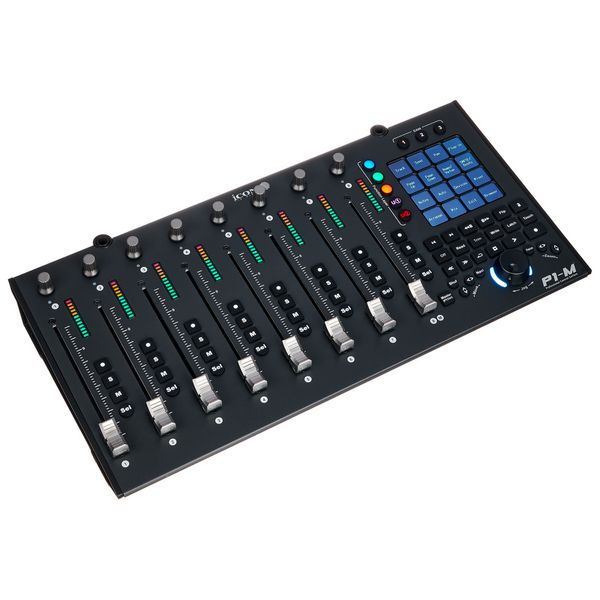
Each of the P1-M's eight channel strips features a touch-sensitive motorised fader with an LED level meter, a programmable push encoder and dedicated buttons for record, solo, mute and channel selection. There is no separate master fader, although pressing the Master button assigns the master channel to the eighth strip. The master section houses a 4-inch touchscreen with 16 programmable zones and multiple layers, providing access to up to 80 functions. A handy jog wheel, transport controls, and navigation buttons round out the hardware, while the widely used, if slightly dated, Mackie MCU protocol provides DAW integration.

Hands-on studio control
The Icon P1-M is particularly at home in project studios where desk space might be limited, but hands-on control is required. Rather than chasing faders around a screen with a mouse, musicians and producers can adjust several channel levels at once, operate transport controls and navigate sessions with their fingertips. Mixing engineers will appreciate the motorised faders, which follow automation and allow on-the-fly adjustments, helping maintain a fast workflow and a clear overview of the mix. Its straightforward operation and customisable controls suit beginners and seasoned professionals alike, and make working in the box a good deal more tangible.

About Icon Pro Audio
Icon Pro Audio is an international firm founded in 1997 and headquartered in Hong Kong. The company name is derived from "I control" and refers to its key skill set, namely the development of controllers for DAWs and DJ software, as well as of controller keyboards. The rest of the product range is entirely focused on high-quality pro audio equipment that is also made as affordable as possible, and includes audio interfaces, microphones, microphone preamps, studio monitors, headphones and other accessories. The Qcon Pro G2 and the QCon Pro X DAW controller are among the manufacturer's flagship products.
Room to grow
Eight faders not enough? The P1-M is designed to grow with the studio. Each P1-X expansion unit adds eight motorised channel faders, allowing control surfaces with up to 64 hardware faders depending on DAW support. Optional display modules for the P1-M and P1-X add channel names and parameter values. Each module requires its own power supply and USB-C connection – so suitable hubs are best factored in from the start. The ability to control up to three DAWs in parallel opens up some intriguing possibilities: Ableton Live for creative work, Pro Tools for mixing, and a third application for post-production or mastering, all accessible from the same workstation. Alternatively, three differently configured setups of a single DAW can serve distinct stages of production.


